




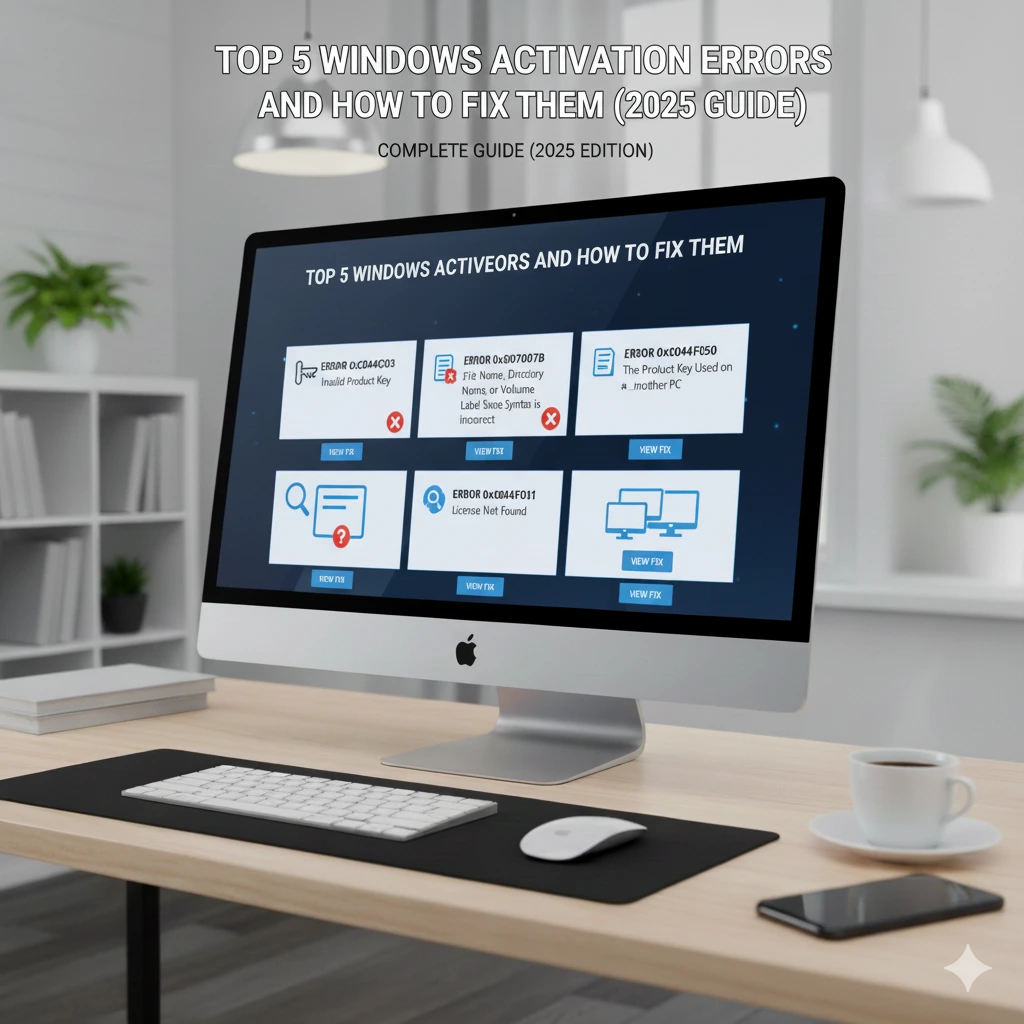
Top 5 Windows Activation Errors and How to Fix Them (2025 Guide)

📜 Meta Description:
Having trouble activating Windows 10 or 11? Learn how to fix common Windows activation errors step by step — including 0xC004F050, 0x803FA067, and other common issues.
💡 Introduction
Activating your Windows 10 or 11 system ensures full access to updates, personalization, and Microsoft’s security features. But sometimes, even with a genuine activation key, you may face frustrating error messages.
Don’t worry — most activation errors are easy to fix.
In this article, we’ll cover the five most common Windows activation errors and show you how to fix them quickly.
🧩 1. Error 0xC004F050 – Invalid Product Key
❌ What It Means
This error appears when the product key you entered isn’t valid for your version of Windows.
✅ How to Fix It
- Make sure your key matches your Windows edition (e.g., Windows 11 Pro key won’t work on Home).
- Re-enter your key:
- Go to Settings → System → Activation → Change product key.
- If it still fails, restart your PC and try again.
💡 Tip: Always use a genuine activation key from a trusted source like KeyExpertises.net.
🧩 2. Error 0xC004C003 – Key Blocked or Already Used
❌ What It Means
This error indicates that your key has already been used on another device or blocked by Microsoft.
✅ How to Fix It
- Contact Microsoft Support and explain the issue.
- If your key was tied to an old PC, you may need to buy a new license.
- Use your digital license (if linked to your Microsoft account) to reactivate on your current device.
🧩 3. Error 0x803FA067 – Upgrade Error
❌ What It Means
This happens when upgrading from Windows Home to Pro using an incorrect key.
✅ How to Fix It
- Disconnect from the internet.
- Go to Settings → Activation → Change product key.
- Enter the default Windows Pro key:
VK7JG-NPHTM-C97JM-9MPGT-3V66T - Let the upgrade process finish.
- Then reconnect and activate using your genuine Windows 11 Pro key.
🧩 4. Error 0xC004F074 – Activation Server Unavailable
❌ What It Means
This usually occurs when Windows can’t connect to Microsoft’s activation servers.
✅ How to Fix It
- Check your internet connection.
- Temporarily disable VPN or proxy.
- Run this command in Command Prompt (Admin):
slmgr /ato - Wait a few minutes and try again.
🧩 5. Windows Activation Troubleshooter Fix
If none of the above works, use the built-in activation troubleshooter:
- Go to Settings → Activation.
- Click Troubleshoot.
- Follow the on-screen instructions to automatically detect and resolve issues.
If your key is genuine, this method resolves most activation-related problems.
🧾 Bonus Tip: Check Your Activation Status
To verify your Windows activation:
- Press Windows + I → System → Activation.
- Under Activation state, it should say ✅ Windows is activated with a digital license.
💬 Conclusion
Windows activation errors are common but rarely serious.
By following these simple steps, you can solve most issues in minutes and fully activate your copy of Windows 10 or 11.
To avoid future activation errors, always purchase 100% genuine Windows keys from trusted sources like KeyExpertises.net — with instant delivery and lifetime validity.